
ClickCease
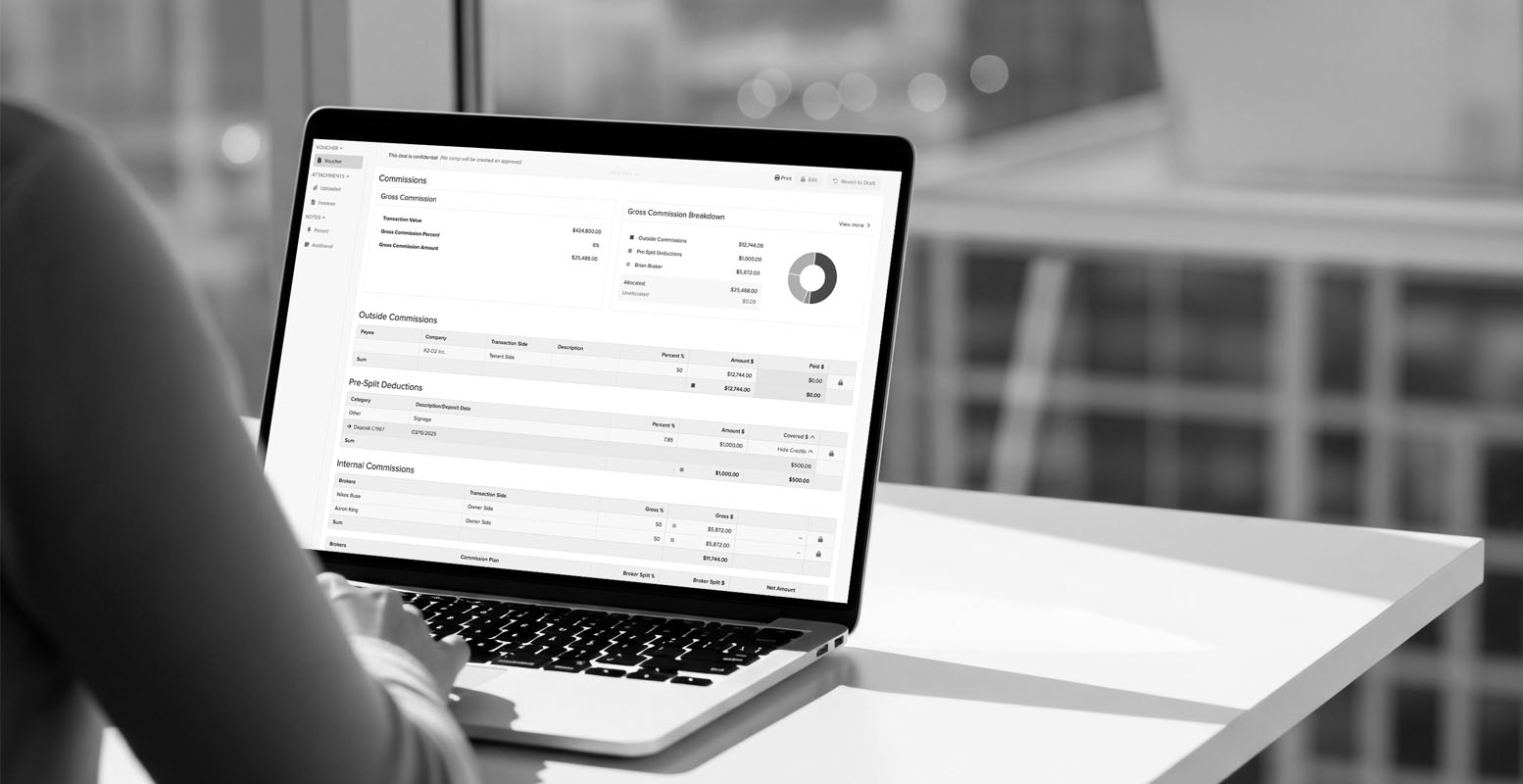
Person using Buildout's back office features on a laptop sitting at a desk

From closed deal to paid broker

Watch the demo

Watch the demo

Overview

Every closed deal creates a second job for your back office: confirm the commission was invoiced, track what's actually been collected, calculate splits across brokers and offices, and get people paid without a spreadsheet standing between the transaction and the payout. This self-guided demo shows how that runs inside Buildout, where the deal record and the commission record are the same record. You'll click through pipeline forecasting tied to real transaction values, follow a deal through its playbook and critical dates, build commission splits with receivables and payables tracked against them, and run the transaction and commission reports your principals ask for at month-end. It takes about five minutes, you control the pace, and no one has to schedule a call. Fill out the form to start the demo.

What you'll learn

  • One source of truth from close to payout: The deal record carries the commission, so there's no re-keying between the brokers' pipeline and your books, and no reconciling two versions of the same number.
  • Splits that calculate themselves: Configure splits across brokers, offices, and referral partners once, and let Buildout do the math on every deal instead of rebuilding a formula per transaction.
  • Receivables and payables you can see at a glance: Know what's been invoiced, what's been collected, and what's owed out, without pulling an aging report together by hand.
  • Month-end reporting without the fire drill: Transaction and commission reports by broker, office, and period, ready to run whenever leadership asks rather than assembled after they do.

Webinar presenters

No items found.
No items found.
No items found.